Unlock Your Premium Practice Quizzes
Gain a competitive edge in your preparation. Follow these simple steps to obtain your access code.
How to Get Your Access Code:
- Initiate Contact & Specify Package: Tell us via Email or WhatsApp which MCQ package you wish to purchase.
- Provide Payment Confirmation: After arranging payment with our team (details provided during contact), send us a clear screenshot of your completed payment transaction via the same channel (Email or WhatsApp).
- Receive & Use Your Code: Upon verification of your payment, we will promptly send you your unique access code (or username/password). Enter this code in the login section on the main portal to access your quizzes.
Choose Your Package:
KTM Level
Specific practice for KTM entrance.
NRP 120
- KTM Specific Subjects
- G.K avialble
- You can choose the subjects/topics
Most Popular
Basic Entrance
Class 11 entrance preparation.
NRP 100
- Fixed Subjects (Phy, Chem, Bio, Eng)
- Timed Quizzes
- Detailed Results Display
SEE Level
Focused practice for SEE students.
NRP 89
- Subject Selection
- Timed Quizzes
- Results Display
Payment Partners
Frequently Asked Questions (FAQ)
a. I still didn't get it? How to access?
There are two ways:
i. Via Email:
ii. Via WhatsApp:
i. Via Email:
- Click on the email link: nebassist@gmail.com
- Tell us the MCQ package you want (e.g., "I want the Basic Entrance package").
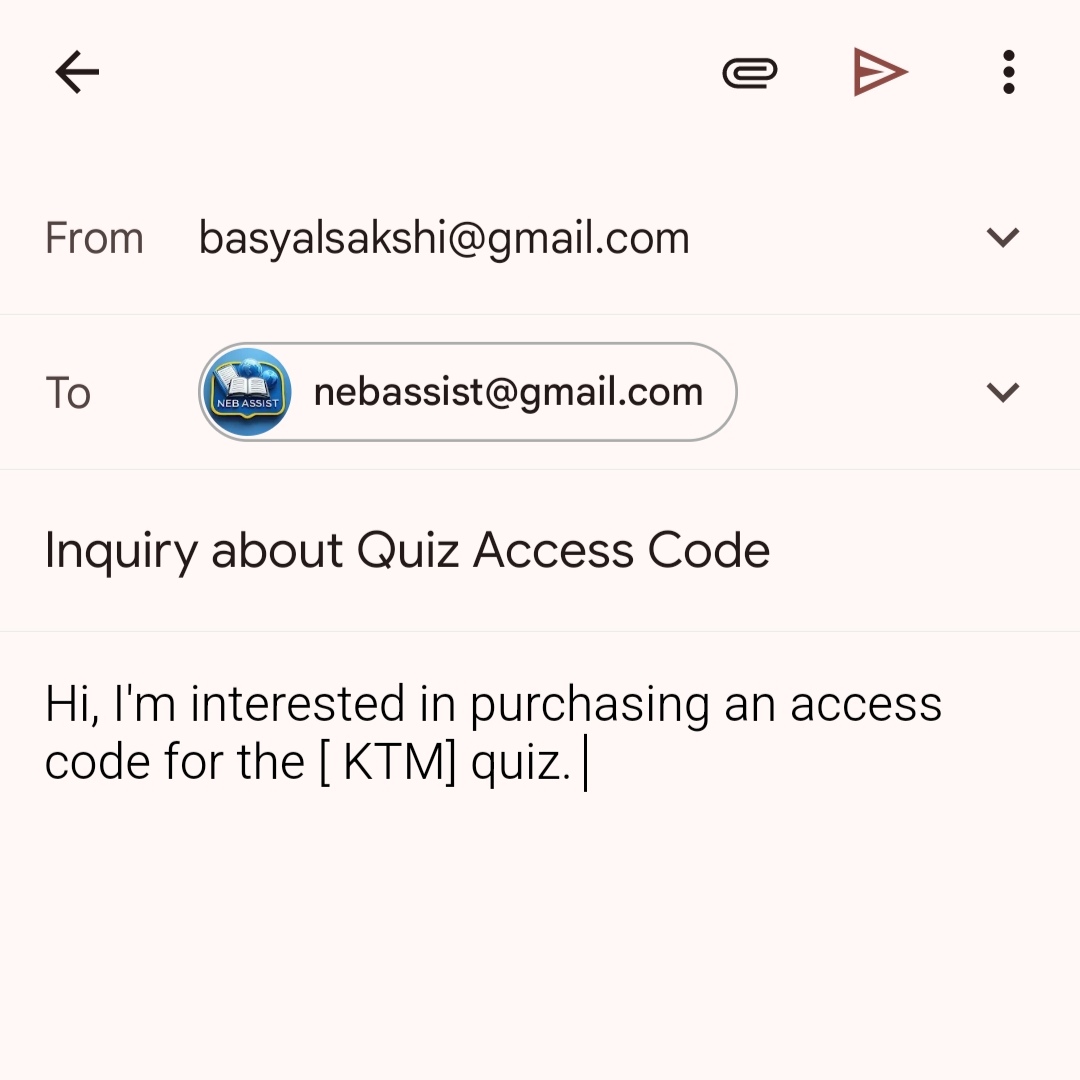
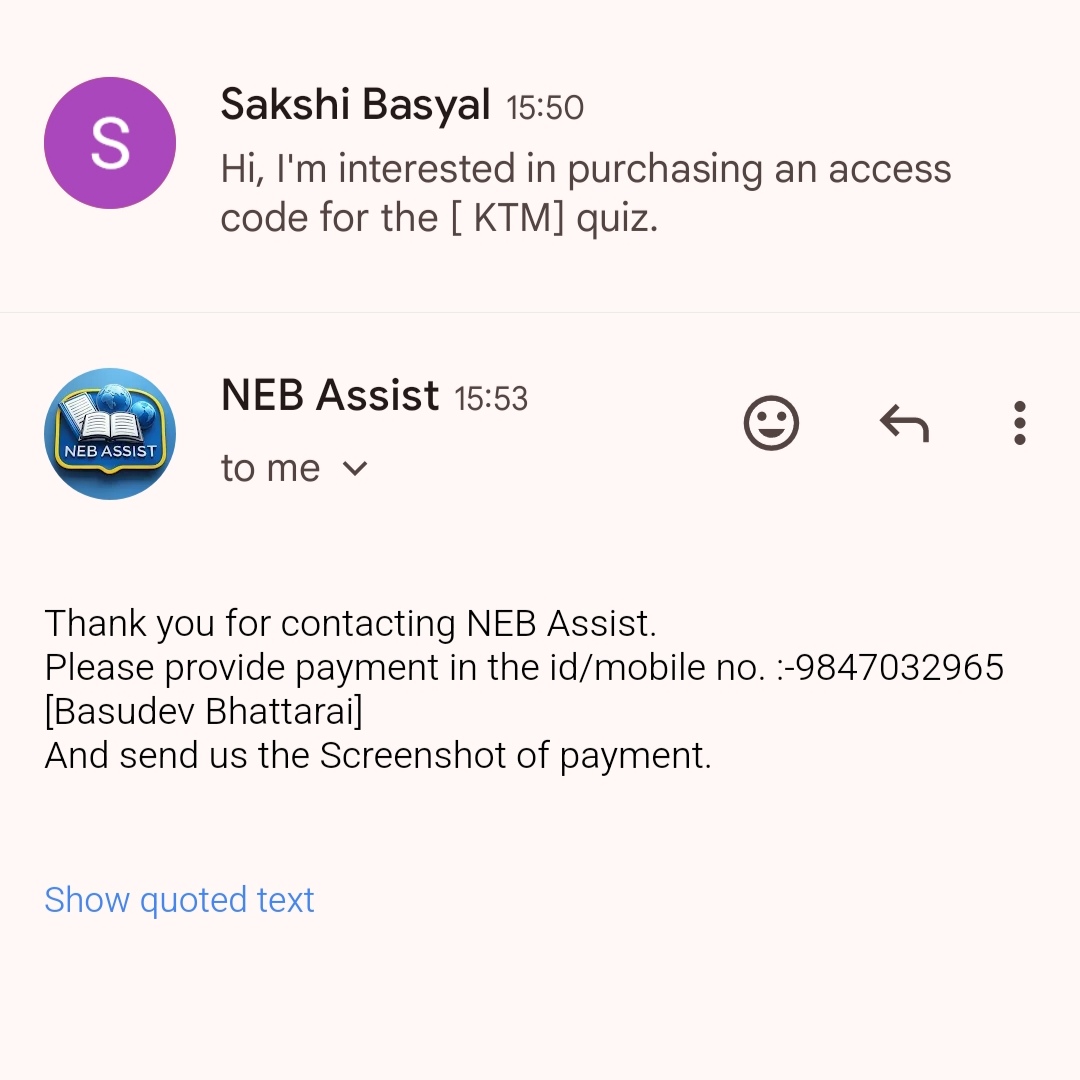
- We will guide you on payment and ask you for screenshot of the payment.
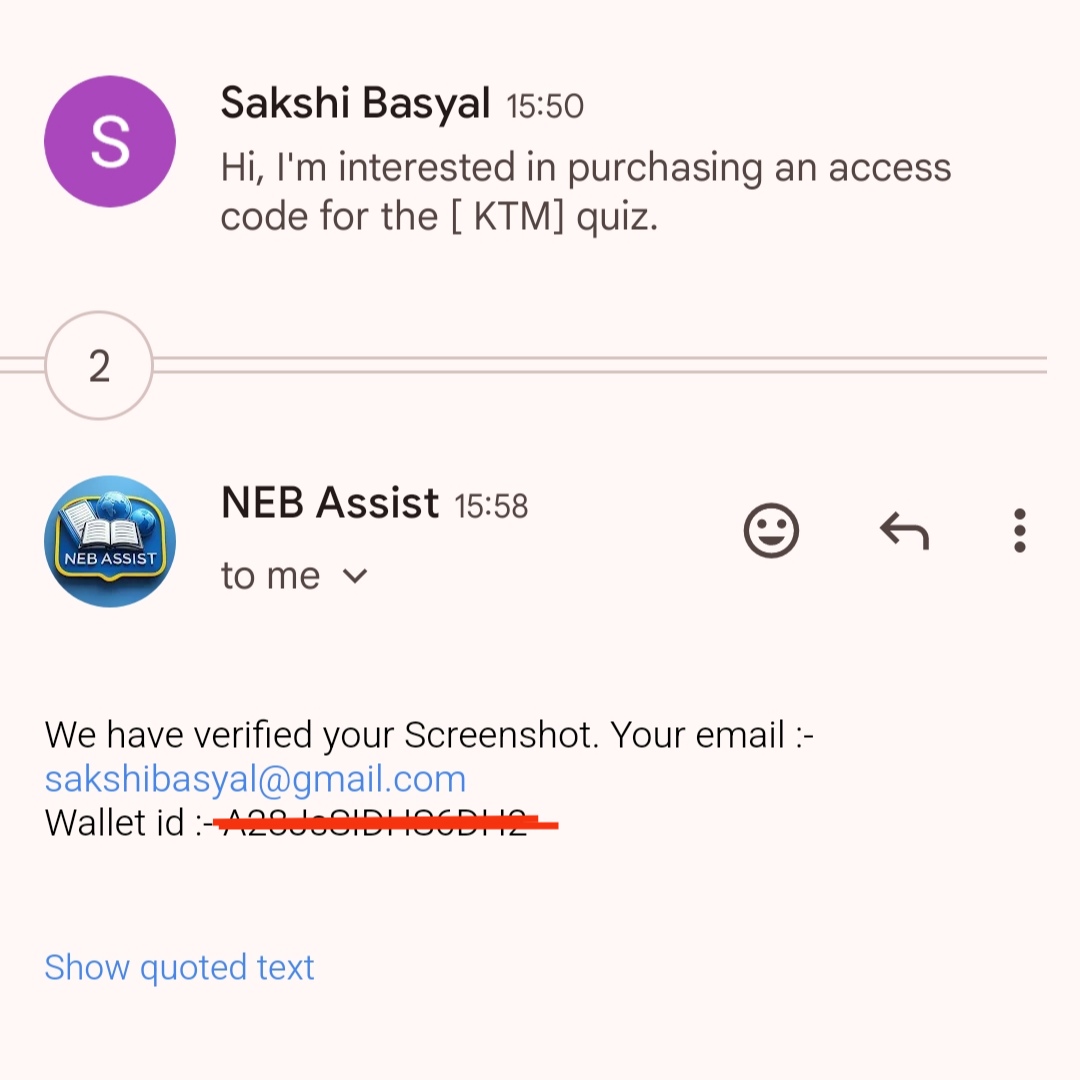
- Immediately after we receive and verify the screenshot, you will be provided the access code/password.
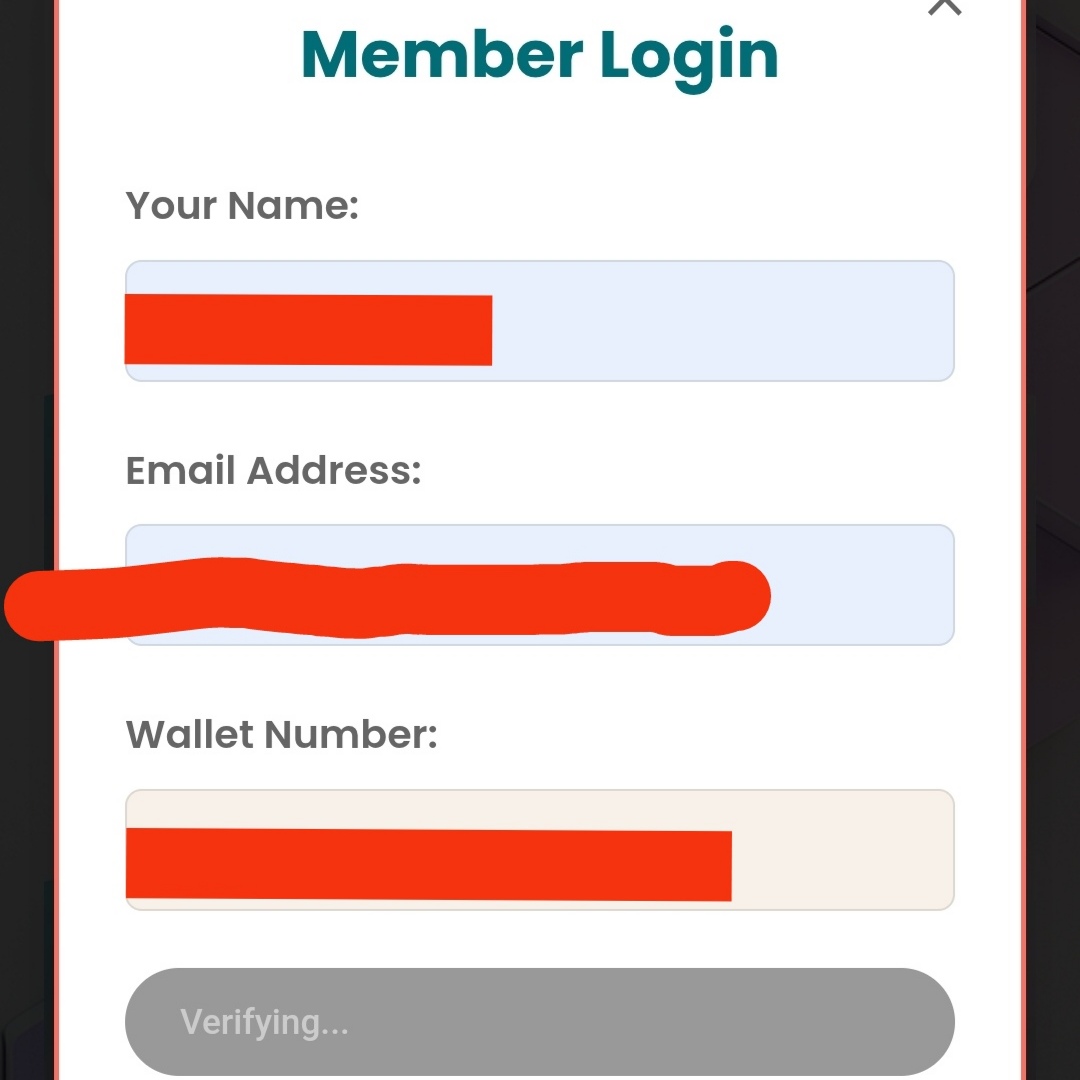
- Enter it in the login section on the main portal.
ii. Via WhatsApp:
- Click on the WhatsApp link: Chat on WhatsApp
- Tell us the MCQ package you want (e.g., "Basic Entrance package please").
- We will guide you on payment and ask you for a screenshot of the payment.
- Immediately after we receive and verify your payment screenshot, we will provide the username and password.
- Enter these in the login section on the main portal.
b. How many accounts/devices can I use?
We strongly discourage password sharing. Access is licensed per user, primarily intended for **one device at a time**. If we detect simultaneous logins or suspicious activity suggesting account sharing, your subscription might be terminated without a refund as per our terms.
c. How long can I access the MCQ quizzes?
You will have access for a duration of **6 months and 2 days** from the date of purchase. This period is designed to be ample time for you to thoroughly prepare, ace your exam, and secure that scholarship! 😉
d. What if I forget the password?
Don't worry! Simply reach out to us again using the same method (Email or WhatsApp) you used for purchasing. Identify yourself and mention your issue, and we will assist you in recovering or resetting your password after verification.
e. Can I change the password?
Yes! If you suspect your password might be compromised or used by someone else and you're concerned about losing access, please contact us immediately via Email or WhatsApp. We will guide you through the process of changing your password securely.
f. What if I want to change the mobile device I use?
To ensure account security, please contact us first via Email or WhatsApp. We may ask you to confirm some details or the name/model of your *new* device to verify your identity. Once confirmed, we can update your access permissions for the new device. Please note that simultaneous use on multiple devices is not permitted.
By purchasing any package, you agree to our Terms and Conditions.